(http://www.julieartworks.citymax.com/i/photo to art/Jack-Russel-pop-art-2W.jpg)


photoshop:)
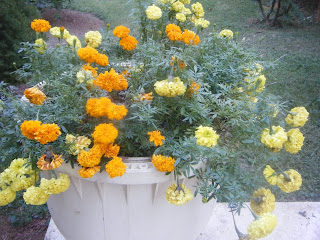
Same as the other two, so look at previous posts.
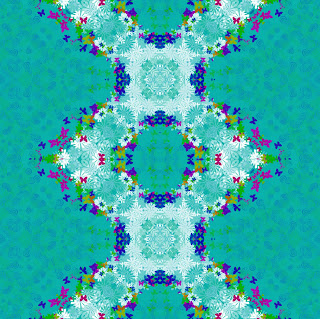
Kaleidoscope effect :)
*Same tools used as previous post*
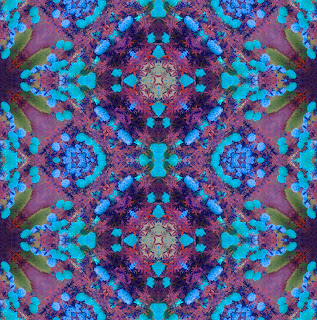
&& The kaleidoscope version of this is.... 
photoshop:)
Tools used included the Rectangular Marquee tool, Transform, Crop, Merge, Duplicate, Flip Horizontal and Vertical, and adjusted Hue Saturation.
Sooo this puppy was originally all brown, but during the process of making it into "Pop Art", he turned darker, but still cute :)
We also had to change the look of someone else, so I did Ashley. Her haircolor was changed to a more brunnette color, and again the eye color wasn't able to change because her eyes were dark. I made her a giant in NYC with her new best friend, King Kong, and people attempting to attack her from the helicopter.
Zac Efron's original hair is dark with blonde-ish highlights, so I changed it to more red color, as well as his eye color that was originally blue.
Original hair color of this odd looking person was blonde, but our assignment was to change it, so I changed to purple.
The original eye color was more of green-ish, so we had to change the eye color to whatever we wanted to, so I chosed this blue-ish color.
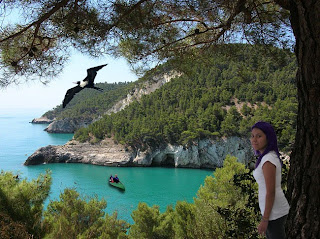
Had to make an animal, that obviously doesn't exist. Mine was a combination of a chicken, dolphin, duck, elephant, ostrich, and zebra. It was also wearing a top hat to go along with his personality. He's swimming out in the sea :)
Photoshop:)
Tools used were the Quick Selection, Magnetic Lasso, and the Clone Tool.
It's all about me which includes what matters a lot in my life. This includes playing tennis, music, photography, my education, and technology. I'm proud to say that I am from Mexico and my favorite things include my dog, going to Florida, and Converse shoes. I live my life to the fullest and I do live, laugh, and love.
I had to design a logo for the Recycling Club at MHS using the art movement of Dadaism. Dadaism is basically destroying and rebuilding. Therefore I took apart the letters of the word "Recycle" and the typical recycling logo in this form.
Tools Used:*Text*- http://www.dafont.com/ -
Exercise 2
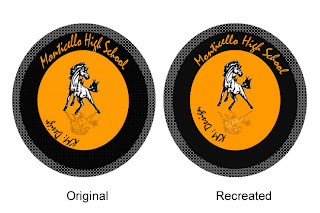
Recreating the MHS Logo

Tools Used
*Ellipse Tool*
*Magic Wand*
*Free Transform*
*Vector Tool*
*Text Tool*
Exercise 3
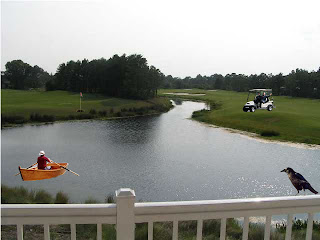
Adding to another image to make a new one
Tools Used
*Polygon Lasso Tool*
*Eraser Tool*
*Magic Wand*
*Free Transform*
^^^
^^^