Wednesday, October 27, 2010
Midterm Exam =/
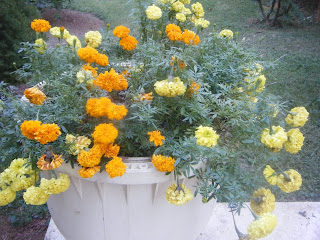
Color Correcting!
Wednesday, October 13, 2010
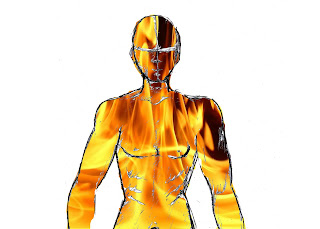
Visual Puns
^^ Book Worm ^^
^^ Fire Man ^^(Pictures via www.images.google.com)
Tuesday, October 12, 2010
Pop Artt Exampless
(http://www.julieartworks.citymax.com/i/photo to art/Jack-Russel-pop-art-2W.jpg)


Rule of 3rd's Exampless
Wednesday, October 6, 2010
3rd Kaliedascope
(Original Picture)

photoshop:)
Same as the other two, so look at previous posts.
Monday, October 4, 2010
2nd Kaliedoscope
(Original Picture)
Kaleidoscope effect :)
*Same tools used as previous post*
Friday, October 1, 2010
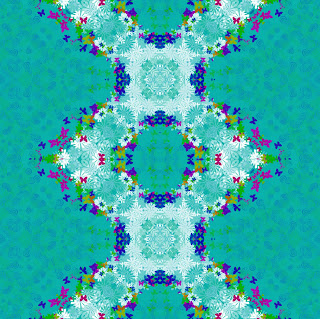
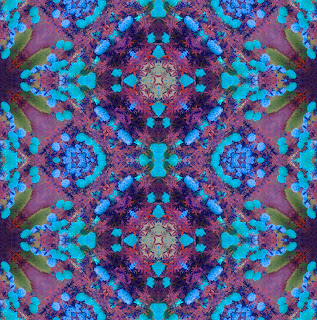
it's a kaliedoscope!
&& The kaleidoscope version of this is.... 
photoshop:)
Tools used included the Rectangular Marquee tool, Transform, Crop, Merge, Duplicate, Flip Horizontal and Vertical, and adjusted Hue Saturation.
Friday, September 24, 2010
Pop Art Puppy :)
Sooo this puppy was originally all brown, but during the process of making it into "Pop Art", he turned darker, but still cute :)Photoshop:)
Tools used were Grayscale Adjustment Layer, Threshold Adjustment Layer, Dodge/Burn Tool, Blending Mode was Multiply, Brush tool, Eraser Tool, Magic Wand and Halftone Pattern. :)
Tuesday, September 21, 2010
Change My Look - Ashley:)
We also had to change the look of someone else, so I did Ashley. Her haircolor was changed to a more brunnette color, and again the eye color wasn't able to change because her eyes were dark. I made her a giant in NYC with her new best friend, King Kong, and people attempting to attack her from the helicopter.Photoshop:)
*Same tools used as my previous post:)*
Change My Look - Me:)

Tuesday, September 14, 2010
Celebrity Makeover
Zac Efron's original hair is dark with blonde-ish highlights, so I changed it to more red color, as well as his eye color that was originally blue.Tools used were Quick Mask, Brush Tool, Blending mode for hair: Soft Light, Eliptical Marquee Tool, Polygonal Lasso Tool, and the Blending Mode for the eyes were: Overlay.
Monday, September 13, 2010
Change in Appearance
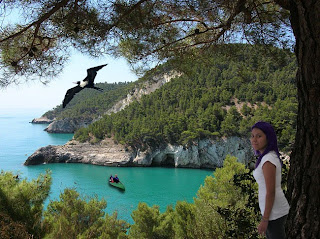
Original hair color of this odd looking person was blonde, but our assignment was to change it, so I changed to purple.
The original eye color was more of green-ish, so we had to change the eye color to whatever we wanted to, so I chosed this blue-ish color.Thursday, September 9, 2010
Layer Masks
Montage

We were given different pictures and put them all together into a montage in Photoshop. Then we had to mess arange them in a reasonable way and add layer styles that included a drop shadow, bevel and emboss.
Tuesday, September 7, 2010
The *Magic* Wand
Dolphant :)
Had to make an animal, that obviously doesn't exist. Mine was a combination of a chicken, dolphin, duck, elephant, ostrich, and zebra. It was also wearing a top hat to go along with his personality. He's swimming out in the sea :)
Photoshop:)
Tools used were the Quick Selection, Magnetic Lasso, and the Clone Tool.
Friday, September 3, 2010
All About Me
It's all about me which includes what matters a lot in my life. This includes playing tennis, music, photography, my education, and technology. I'm proud to say that I am from Mexico and my favorite things include my dog, going to Florida, and Converse shoes. I live my life to the fullest and I do live, laugh, and love.Friday, January 15, 2010
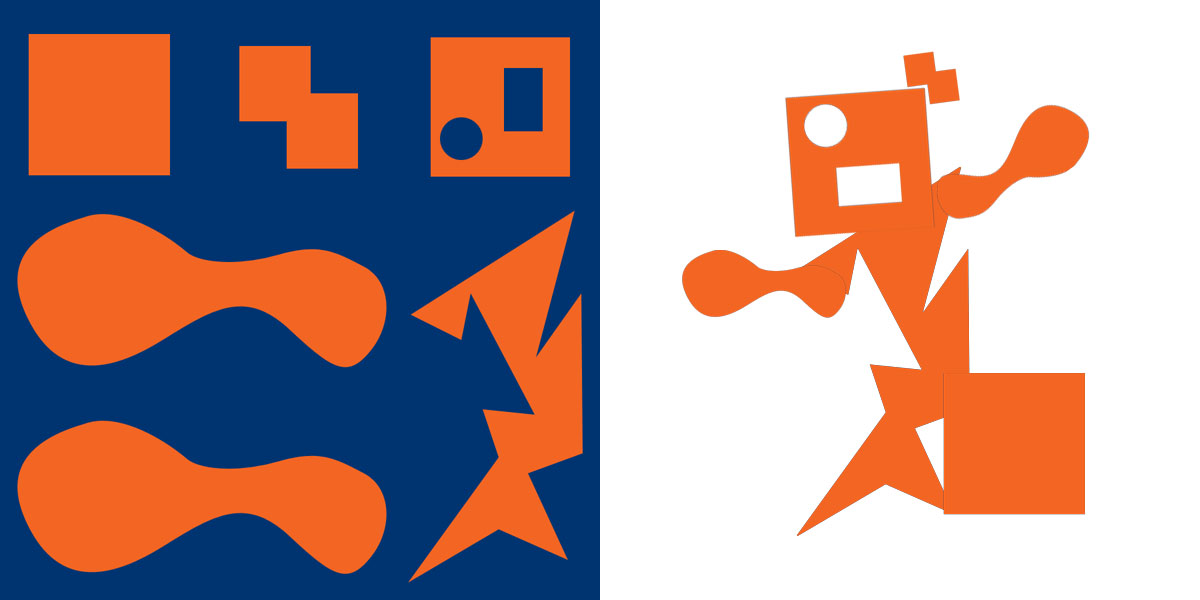
Recycling Club Logo
I had to design a logo for the Recycling Club at MHS using the art movement of Dadaism. Dadaism is basically destroying and rebuilding. Therefore I took apart the letters of the word "Recycle" and the typical recycling logo in this form.